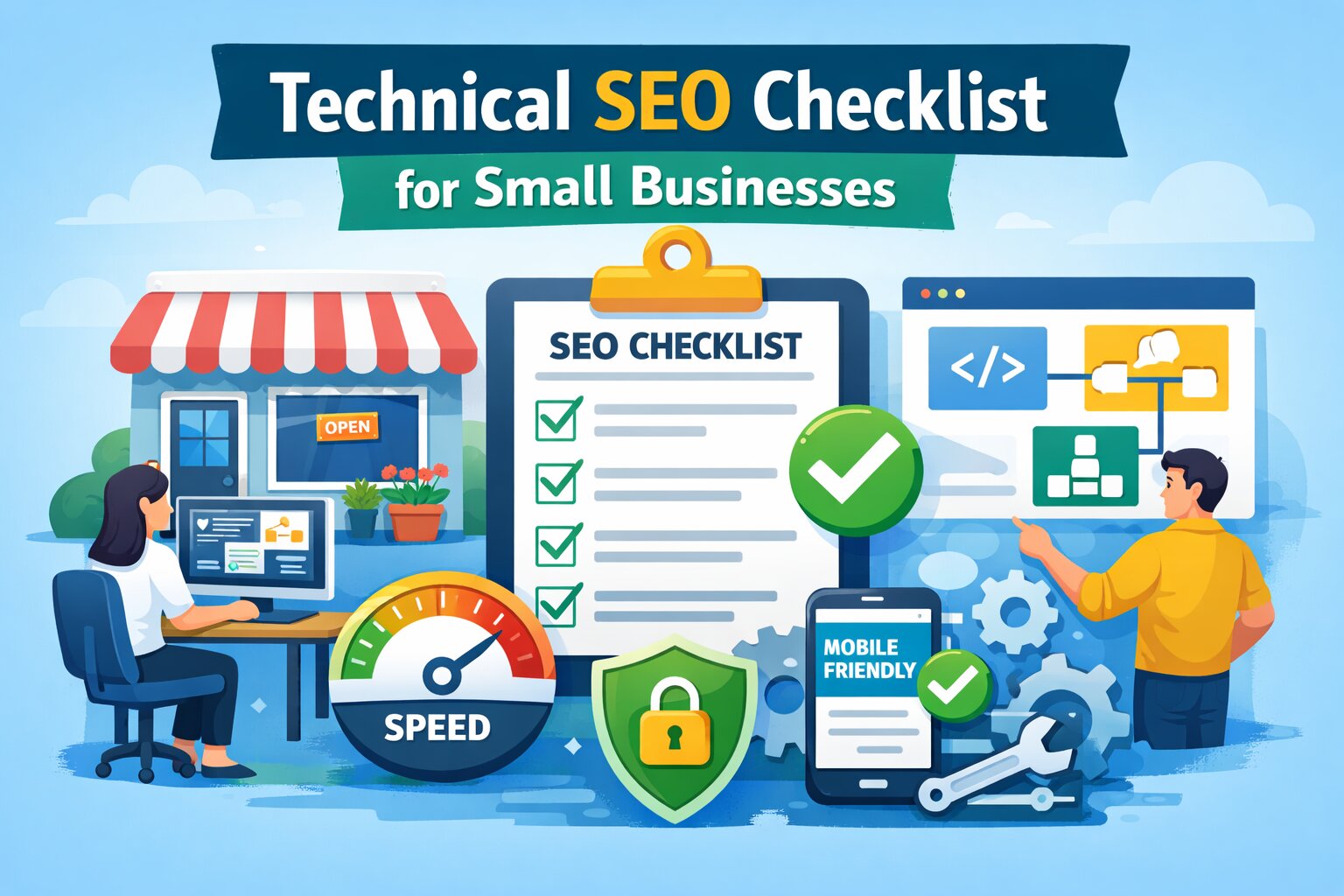
Technical SEO Checklist for Small Businesses (2026 Guide)
If your website is not ranking well, technical SEO could be the reason.
Many small businesses focus only on content and keywords, but search engines also need to crawl, understand, and trust your website properly. If the technical foundation is weak, even great content can struggle to rank.
This guide covers a simple technical SEO checklist for small businesses so you can find issues early and fix them fast.
If you are new to SEO audits, start with our Website SEO Audit Guide to understand the basics before diving into technical fixes.
What is Technical SEO?
Technical SEO is the process of improving your website’s infrastructure so search engines can crawl, index, and rank your pages more effectively.
It focuses on things like:
- crawlability
- indexability
- page speed
- mobile usability
- site structure
- security
Unlike content SEO, technical SEO works behind the scenes. But it has a major impact on rankings.
If your website still is not performing, also read Why Your Website Is Not Ranking on Google for a broader view of ranking problems.
Why Technical SEO Matters for Small Businesses
Small businesses often compete with larger websites that already have more authority and backlinks.
That means your technical setup needs to be clean and efficient. Good technical SEO helps you:
- get indexed faster
- improve website speed
- reduce crawl errors
- improve user experience
- support better rankings
A strong technical base also makes your other SEO efforts more effective.
Technical SEO Checklist for Small Businesses
Use this checklist to review your website.
1. Make Sure Your Website Can Be Crawled
Search engines need access to your pages. Check that:
- important pages are not blocked in
robots.txt - internal links point to key pages
- there are no broken crawl paths
- search engines can discover new content easily
2. Check Your Indexing Status
A crawlable page is not always an indexed page. Review:
- whether important pages are indexed
- whether duplicate pages are indexed by mistake
- whether thin or low-value pages should be excluded
- whether
noindextags are being used correctly
3. Create and Submit a Sitemap
A sitemap helps search engines discover your most important URLs. Make sure:
- your sitemap exists
- it includes live, important pages only
- broken or redirected URLs are removed
- it is updated when pages are added or deleted
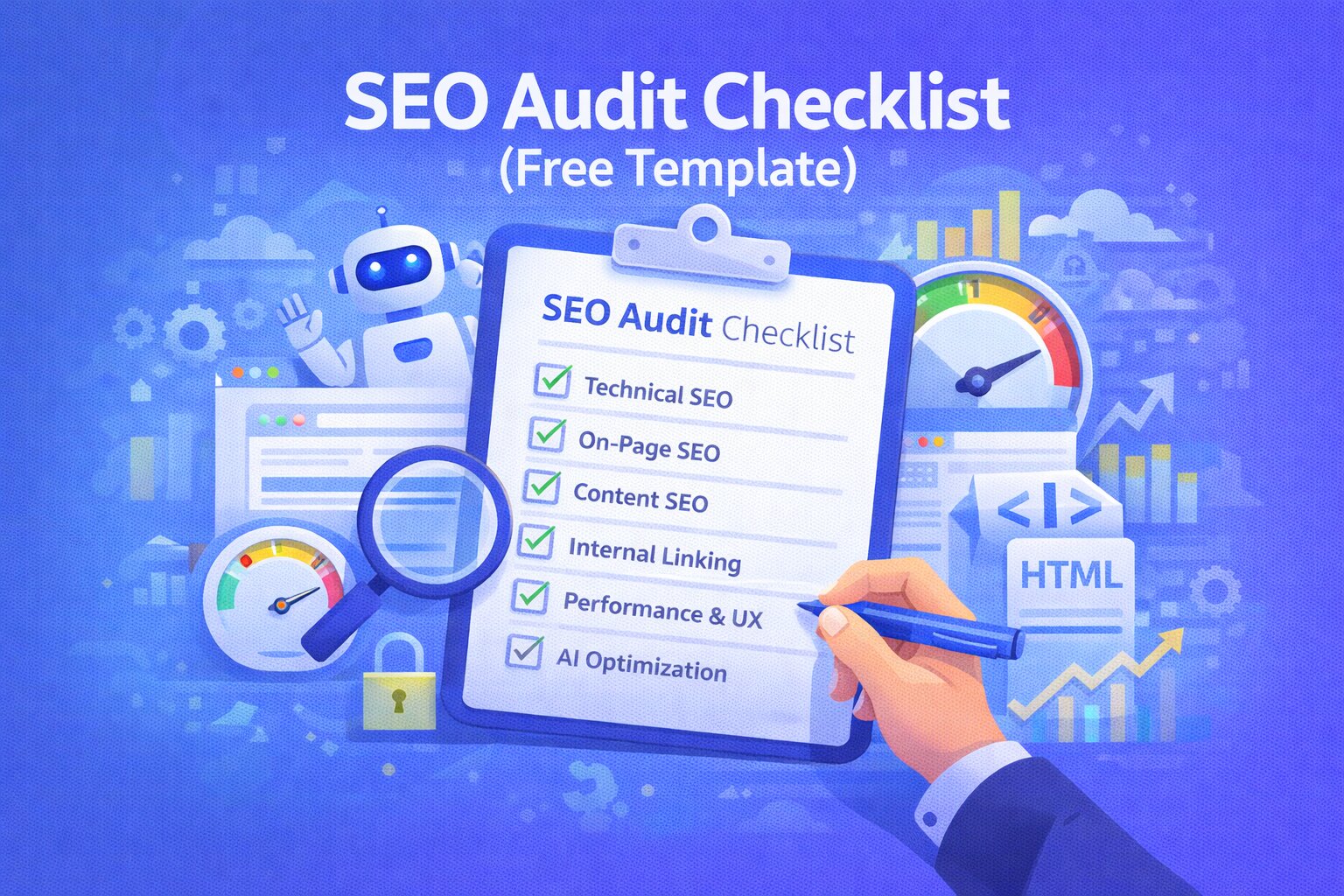
For a full sitewide review process, see our SEO Audit Checklist.
4. Review Your Robots.txt File
Your robots.txt file tells crawlers what they can and cannot access. Check for:
- blocked important pages
- incorrect disallow rules
- outdated settings from staging or development
- sitemap reference included in the file
5. Fix Broken Links and Errors
Broken links create poor user experience and waste crawl budget. Check for:
- internal 404 pages
- broken navigation links
- outdated resource links
- broken image URLs
If you want a broader process, read How to Find SEO Issues on Your Website.
6. Improve Website Speed
Review image sizes, JavaScript load, unused CSS, server response time, and caching setup. Small businesses often lose rankings and leads because their websites are too slow.
7. Make Your Website Mobile-Friendly
Google uses mobile-first indexing. Check your responsive design, readable text without zooming, and layout stability on small screens.
8. Use HTTPS Properly
Ensure HTTPS is enabled across all pages, HTTP versions redirect correctly, and certificates are valid.
9. Set Canonical Tags Correctly
Canonical tags help search engines understand which version of a page should rank. This is one of the most common SEO issues mentioned in our guide on 15 Common SEO Mistakes That Kill Your Rankings.
10. Clean Up URL Structure
Good URLs are short, descriptive, keyword-relevant, and free from unnecessary parameters.
11. Check Redirects
Review for broken redirects, redirect chains, and redirect loops.
12. Add Structured Data
Useful schema types include: Organization, LocalBusiness, FAQPage, BlogPosting, and Product or Service.
13. Find Duplicate Content Issues
Check for multiple versions of the same page, duplicated service descriptions, and HTTP vs HTTPS duplicates.
14. Check Core Web Vitals
Focus on loading performance (LCP), interaction speed (INP), and visual stability (CLS).
15. Audit Your Internal Linking Structure
Review whether key pages get enough internal links and ensure no orphan pages exist.
How Small Businesses Should Prioritize Fixes
Don’t try to fix everything at once. Start with these high-impact areas:
- Crawl and index issues
- Broken links and 404s
- Mobile friendliness
- Page speed
- Canonical and redirect issues
Best Way to Run a Technical SEO Audit
The easiest process is: scan your website with an SEO audit tool, identify technical errors, fix the highest-impact issues first, and monitor regularly.
Tools like Ranknova can help small businesses automate this process.
Conclusion
Technical SEO is the difference between a website that gets found and one that stays invisible. If you want to go beyond technical fixes, also explore our Website SEO Audit Guide, SEO Audit Checklist, and How to Find SEO Issues on Your Website.
CTA
👉 Run your free SEO audit with Ranknova and uncover technical SEO issues before they hurt your rankings.
FAQ
Frequently Asked Questions
Quick answers pulled directly from this article for easier reading and better sharing previews.
What is technical SEO?
Technical SEO is the process of optimizing your website’s structure and performance so search engines can crawl, index, and rank it effectively.
Why is technical SEO important for small businesses?
It helps small business websites improve speed, crawlability, indexing, and search visibility, even when competing with bigger brands.
How often should I run a technical SEO audit?
At least once a month, and also after major website changes or redesigns.
What are the most common technical SEO issues?
Broken links, slow speed, indexing errors, poor mobile usability, missing sitemap, and incorrect canonical tags.