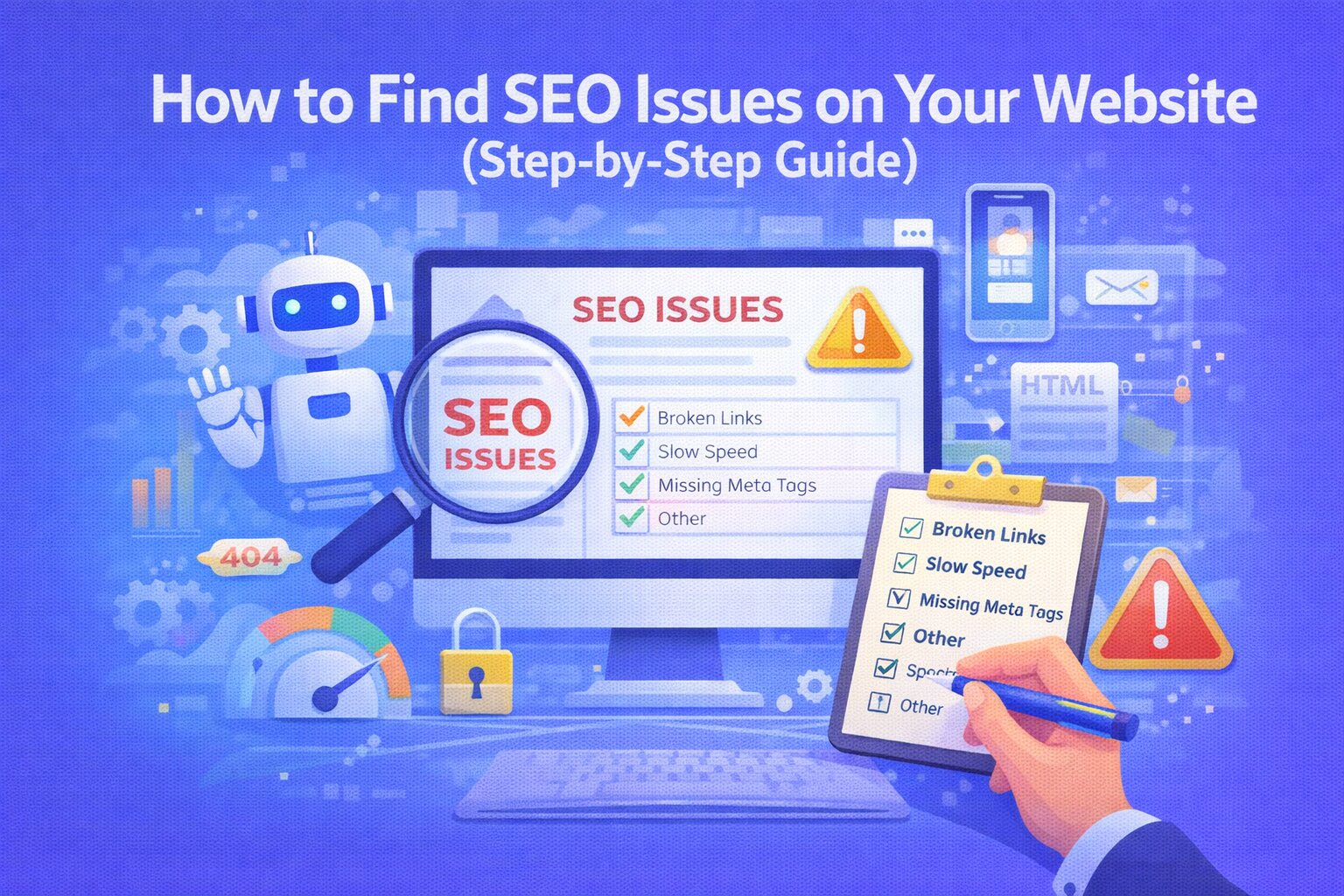
How to Find SEO Issues on Your Website: A Comprehensive Step-by-Step Guide
Is your website stuck on page two of Google? Before you can rank, you have to diagnose. Identifying hidden SEO bottlenecks—from technical crawl errors to weak content—is the only way to build a sustainable search strategy. In this guide, we’ll show you exactly how to uncover the issues holding your site back.
Why Identifying SEO Issues is Critical for Growth
You can’t fix what you haven’t measured. Consistently finding and resolving SEO errors allows you to:
- Reclaim Lost Rankings: Stop algorithm updates from tanking your traffic.
- Enhance User Experience (UX): Fix the broken links and slow speeds that frustrate visitors.
- Boost Crawl Efficiency: Ensure Googlebot spends its "crawl budget" on your most important pages.
Step 1: Execute a Comprehensive Technical SEO Audit
Don't guess—use data. Start by scanning your entire domain with a professional audit tool to get a bird's-eye view of your site's health.
What to look for: Missing metadata, duplicate H1 tags, and large unoptimized images. Using a tool like Ranknova can automate this process in seconds.
Step 2: Diagnose "Crawlability" and Indexing Barriers
If Google can't "see" your pages, they don't exist. Check your Google Search Console for "Indexing" reports.
- Check for 404 Errors: Redirect broken links to relevant live pages.
- Validate Robots.txt: Ensure you aren't accidentally blocking your most important directories.
- Verify XML Sitemaps: Confirm your sitemap is submitted and contains only "200 OK" pages.
Step 3: Evaluate On-Page Semantic Structure
Each page needs to tell a clear story to search engines. Review your top-performing pages for:
- Keyword Placement: Is your primary keyword in the H1, the first paragraph, and the Meta Title?
- Hierarchy: Are you using H2s and H3s correctly to break up topics?
- URL Slugs: Keep them short, descriptive, and lowercase (e.g.,
/find-seo-issues/).
Step 4: Audit Content Value and User Intent
Google’s 2026 algorithms prioritize E-E-A-T (Experience, Expertise, Authoritativeness, Trustworthiness). Ask yourself:
- Does this page actually solve the user's problem?
- Is the information up-to-date, or is it "content decay"?
- Is the readability score high? Use short paragraphs and bullet points.
Step 5: Analyze Site Speed and Core Web Vitals
Page speed is a confirmed ranking factor. Use PageSpeed Insights to test your mobile and desktop performance.
Quick Wins: Enable Gzip compression, switch to WebP image formats, and minimize render-blocking JavaScript.
Step 6: Review Mobile Usability & AI Visibility
With mobile-first indexing and AI search (GEO) becoming the standard, your site must be responsive and structured.
- Responsive Design: Ensure no horizontal scrolling on smartphones.
- Structured Data: Implement Schema Markup so AI engines can easily extract your data for featured snippets.
- FAQ Sections: Provide direct, concise answers to common industry questions.
How to Fix Issues Once Discovered
Don't feel overwhelmed. Follow this priority list to see the fastest results:
- Critical Technical Fixes: Indexing errors and site security (HTTPS).
- On-Page Updates: Optimizing Meta Titles and H1s for "low hanging fruit" keywords.
- Performance: Improving page load speeds.
- Content Depth: Expanding "thin" pages into high-value resources.
Stop Searching Manually
Uncover every hidden SEO issue on your website in under 60 seconds.
FAQ
Frequently Asked Questions
Quick answers pulled directly from this article for easier reading and better sharing previews.
How do I find SEO issues on my website?
Run an SEO audit and analyze technical, on-page, and content issues.
What is the best tool to find SEO issues?
Tools like Ranknova help identify issues quickly.
How often should I check SEO issues?
At least once a month.
Can beginners find SEO issues?
Yes, with the right checklist and tools.